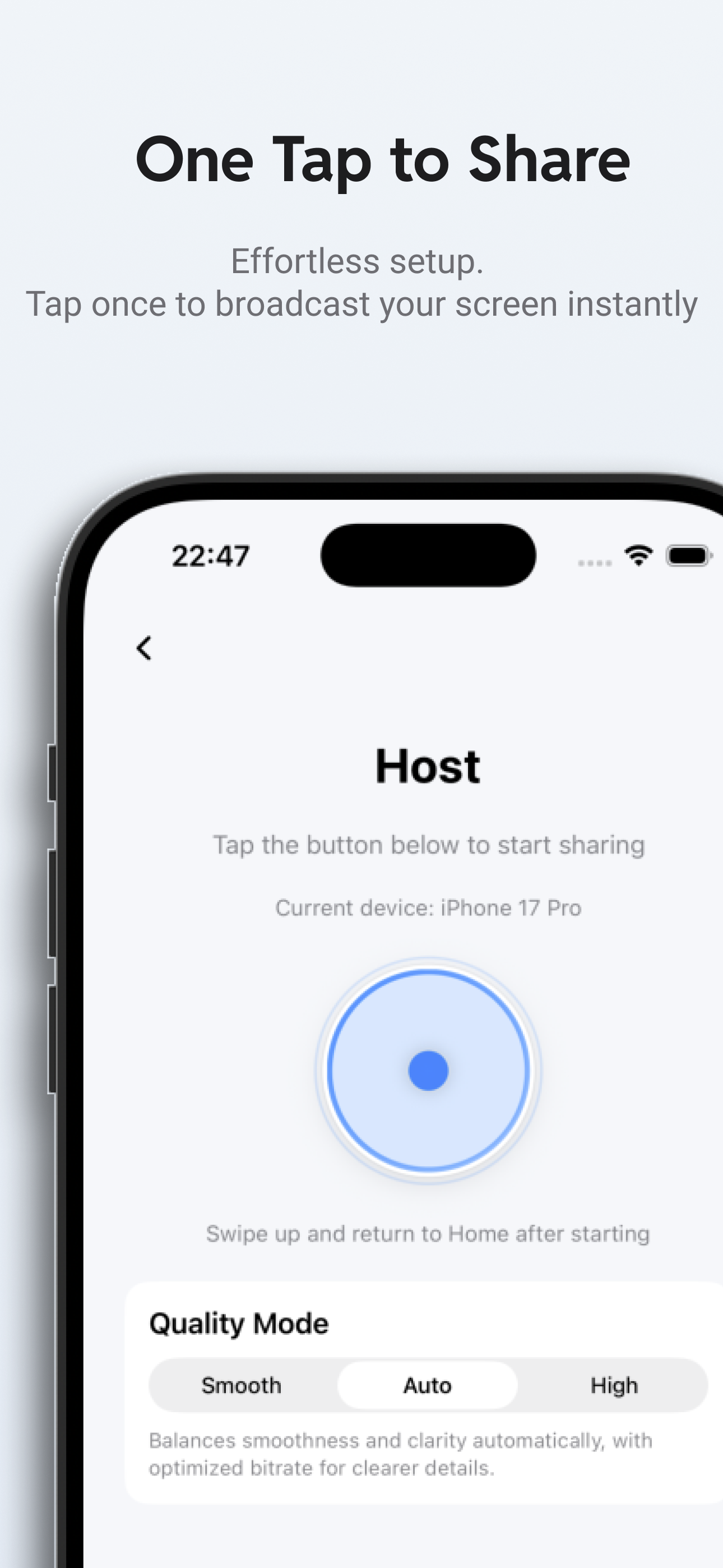
One tap to start
Jump into hosting or viewing in seconds with a direct, low-friction flow.
Use CamScreen for iPhone screen sharing, iPad screen sharing, and private local screen sharing on your own network.
Jump into hosting or viewing in seconds with a direct, low-friction flow.
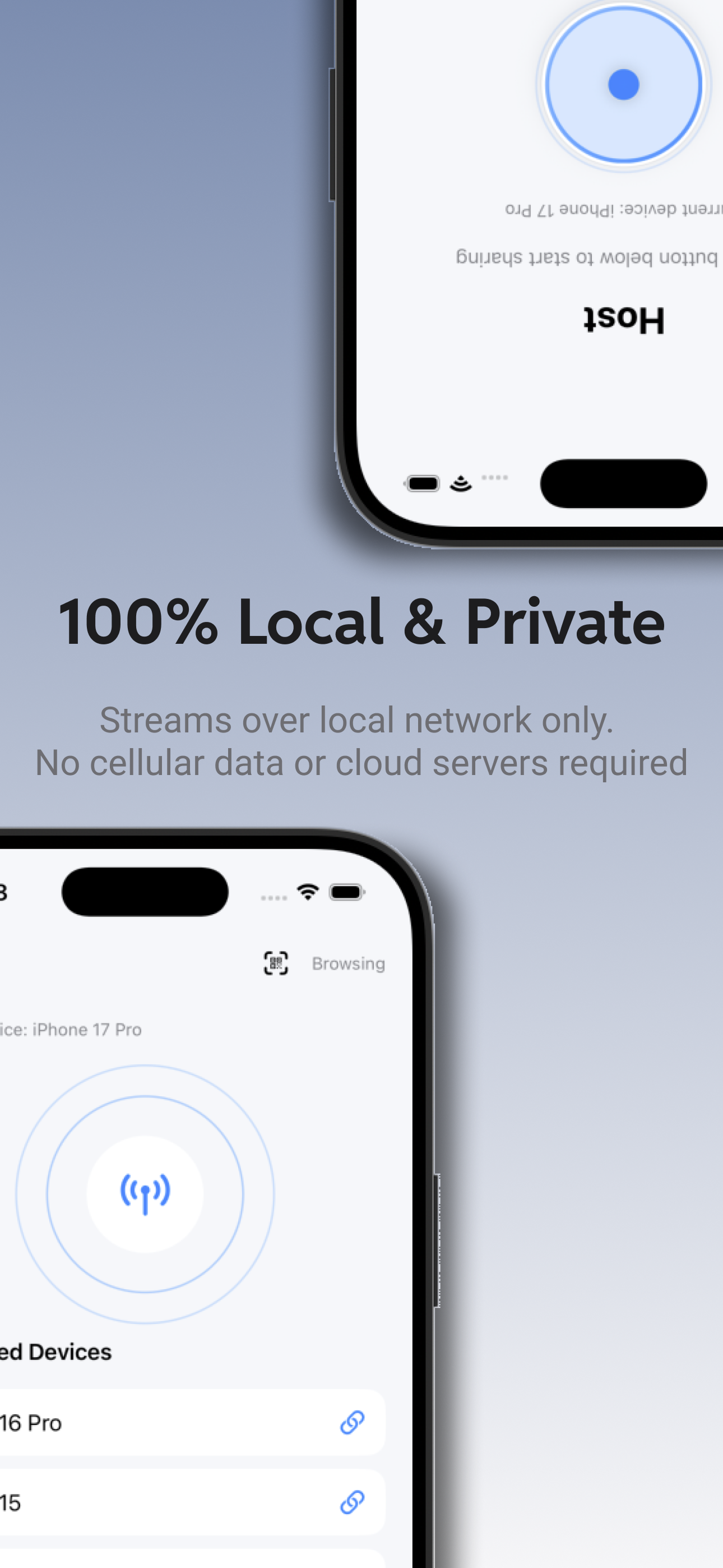
Streams stay on your local network without relying on a developer-operated cloud relay.
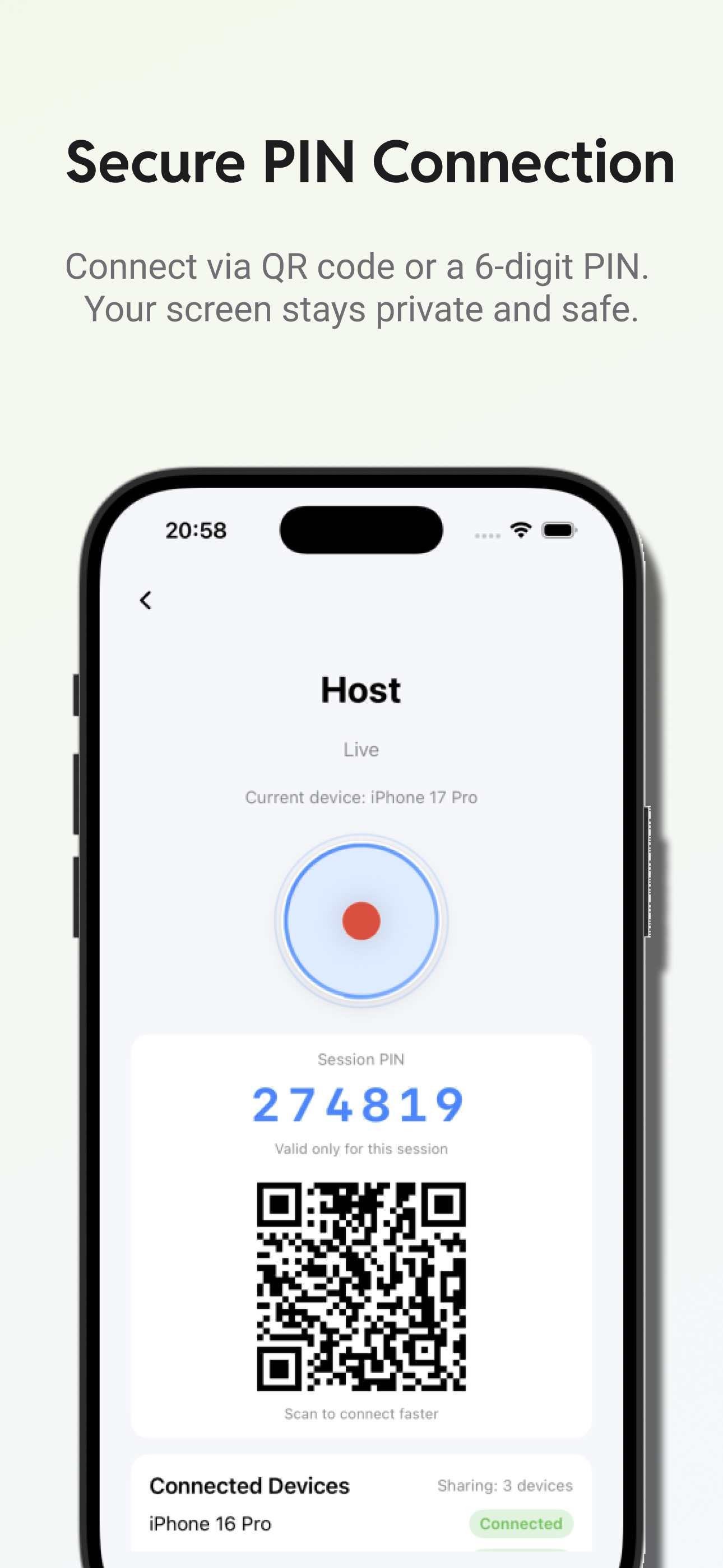
Connect quickly with a QR code or a session PIN for nearby, intentional access.
Built for iPhone and iPad screen sharing, with one host streaming to multiple nearby viewers.
Quick start
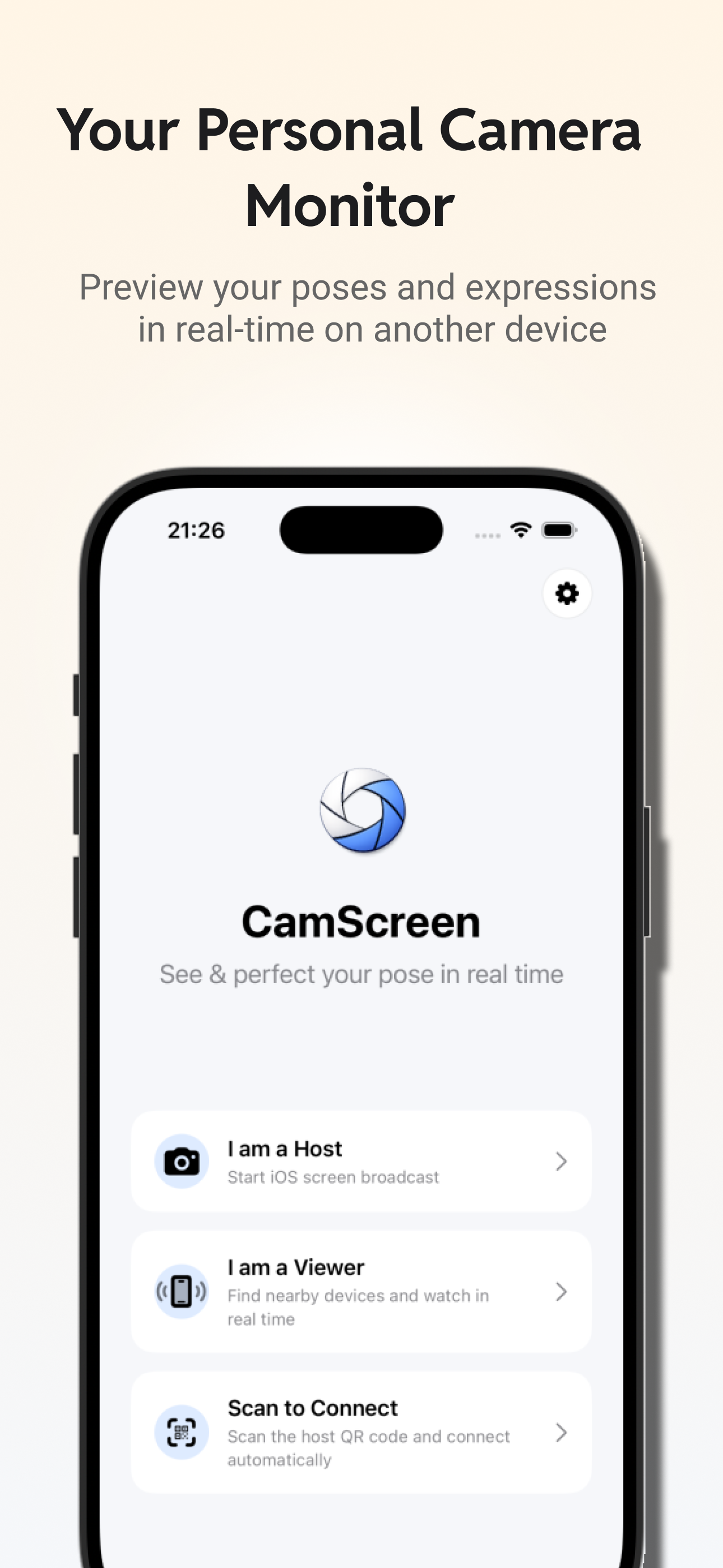
Start as a host to broadcast your screen, or join as a viewer to watch nearby devices in real time.
iPhone and iPad screen sharing
CamScreen is designed for iPhone screen sharing and iPad screen sharing in local presentations, device monitoring, and lightweight collaboration.
Local and private
CamScreen is designed for nearby device-to-device transfer, avoiding cellular data and cloud relay services.
Secure connection
Session-based connection keeps access intentional and simple when devices are nearby.
Multi-device viewing
Ideal for local presentations, camera monitoring, and lightweight team collaboration.
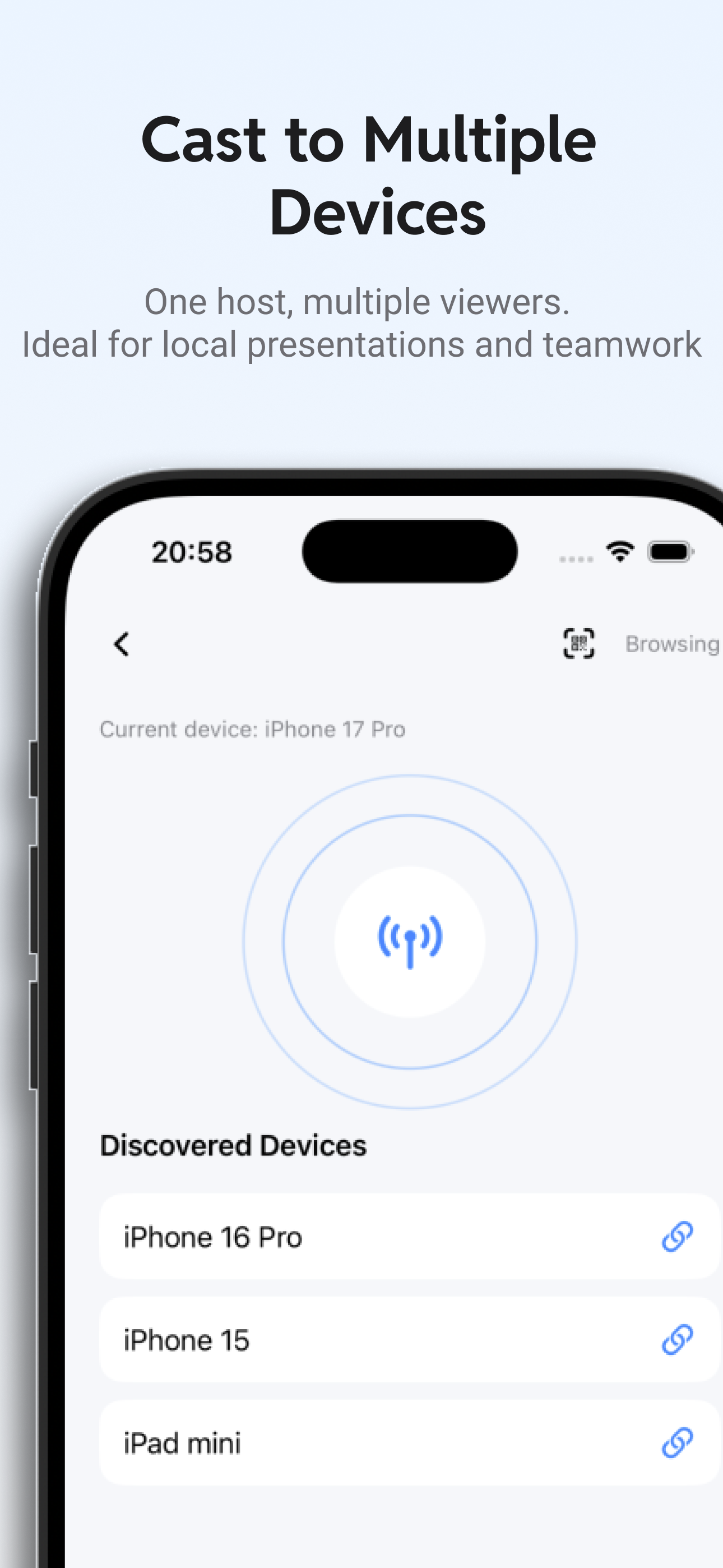
Choose Host and begin iPhone screen sharing or iOS screen broadcasting from your device.
Use QR scanning or a session PIN to pair with a nearby iPhone or iPad.
View the shared screen instantly on nearby devices over the local network.
Support
Stable public pages are available for users, reviewers, and App Store compliance.